Most Small Businesses Don't Need a CMS
Most small businesses do not need a CMS.
For many of them, WordPress might be becoming an ancient relic. It is familiar, capable, and packed with features. It can also mean plugins, updates, security chores, theme problems, and another dashboard nobody wants to learn.
I know that model well. I designed my first small-business WordPress site in 2011. Before I graduated from college, I had built more than 20 of them. I later moved into mid-market and enterprise web work, where the budgets and systems grew much larger.
WordPress was how the web worked for small businesses. It no longer has to be.
The alternative is much simpler.
Ask your AI coding tool: “Make a new page about our commercial landscaping service.” A draft can be ready to review in seconds.
Or try: “My business is rebranding. Come up with a new look and feel that matches this photo. Show me the new homepage before anything goes live.”
You ask. The AI builds a preview. You review it. You say when it can be published.
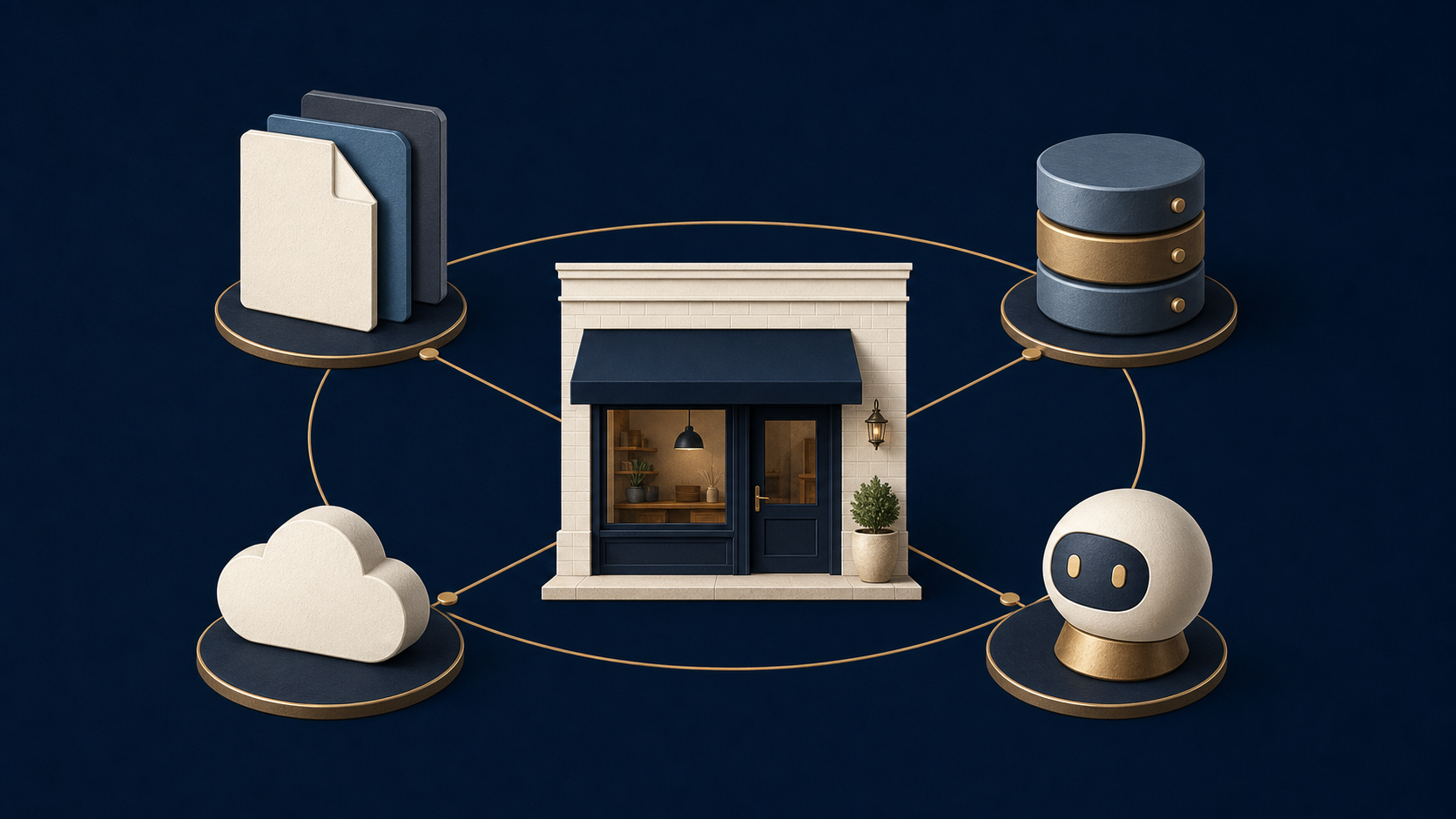
Website updates should feel this easy
Who wants to pay an agency for the initial website, then keep paying for every new page, changed photo, and updated sentence?
An agency can be valuable when you need strategy, original creative work, or a large custom build. Paying agency rates to swap a headline or add a service page is hard to defend now.
Most small-business websites change in ordinary ways. A service gets added. A team member leaves. The logo changes. A new testimonial comes in. A seasonal offer needs a landing page.
You should be able to describe the change in plain English and see a preview before lunch.
What is under the hood
The setup has four parts:
- Your AI coding tool takes the request and edits the website.
- Astro turns those edits into fast web pages.
- GitHub keeps the files and a history of every change.
- Cloudflare puts the approved version online and connects it to your domain.
You do not need to operate those tools by hand every day. The AI handles the technical steps. You handle the business decisions.
The basic routine stays the same:
- Ask for a change.
- Review the preview.
- Request revisions if needed.
- Approve publication.
GitHub keeps a record, so an old version can be found if something goes wrong. Cloudflare serves the site without a traditional web server or a database to babysit. Astro keeps the pages quick and clean.
What you need
You need a domain, free GitHub and Cloudflare accounts, and one paid AI coding plan such as Claude Code, Codex, Antigravity, or GitHub Copilot. One person at the business should have final approval over what gets published.
That covers a straightforward service-business website. Ecommerce, customer accounts, booking systems, and sensitive customer data can require more care.
Give the AI rules before you give it work
An AI coding tool needs a short instruction manual for your website. Without one, it has to guess what it may change and when it may publish.
The instruction manual is a plain text file called AGENTS.md. It tells the AI
what the business does, what the website should accomplish, and which actions
require your approval.
Here is a small version:
# Website Operating Instructions

## Project Profile
- Business name: [YOUR BUSINESS]
- Primary website goal: [WHAT YOU WANT VISITORS TO DO]
- Primary call to action: [BOOK / CALL / BUY / CONTACT]
- Production branch: main
- Preview branch: dev

## Deployment rules
- Never publish a preview or production change without the owner's explicit approval.
- A request to edit files is not permission to deploy them.
- Build and check the site before every requested preview or production push.

## Communication style
- Explain technical choices in terms of cost, risk, speed, ownership, and customer experience.
- Do not invent customer results, testimonials, prices, or legal claims.
You can read that file like any other document. The AI reads it too. It becomes the house rules for anyone or anything working on the site.
Download the free starter file
I created a free starter file that doubles as a step-by-step setup guide. It includes the account checklist, copy-and-paste prompts, safety rules, and help for the most common setup problems.
Download the Small Business Website Starter AGENTS.md (opens in a new tab)Put it in the main folder of your website project. Then tell your AI tool: “Read AGENTS.md and help me set up my small-business website.”
When a CMS still earns its keep
A busy news site with dozens of writers needs editorial roles, permissions, schedules, and a publishing dashboard. A global company may need translation workflows and legal review. A large store needs inventory and payment systems.
Those businesses have real platform needs.
The typical local service business has a different job. It needs a sharp homepage, useful service pages, proof that the company can deliver, and an easy way to get in touch. WordPress can do all of that. It may also bring far more machinery than the job requires.
Keep the keys
The domain should belong to your business. So should the GitHub account, the Cloudflare account, and the website files.
That ownership gives you options. You can change agencies, hire a developer, or switch AI tools without rebuilding the whole site from scratch. Your history stays with you. Your website stays with you.
The old model made website changes feel scarce and technical. They are becoming ordinary. Ask for the page. Review the work. Publish when it is right.